1. After pairing smartphone and PC, speech dictated through smartphone is converted to text and typed to text editor, saving your time.
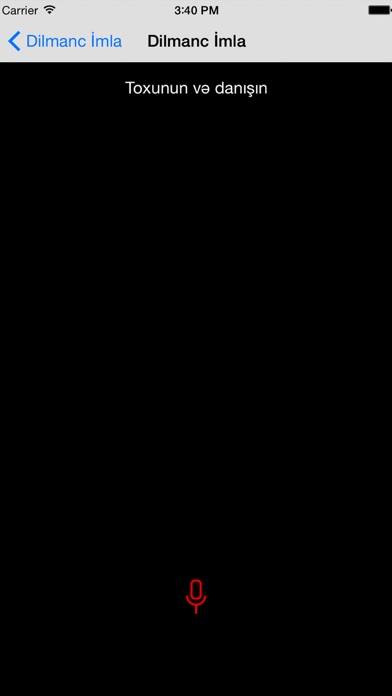
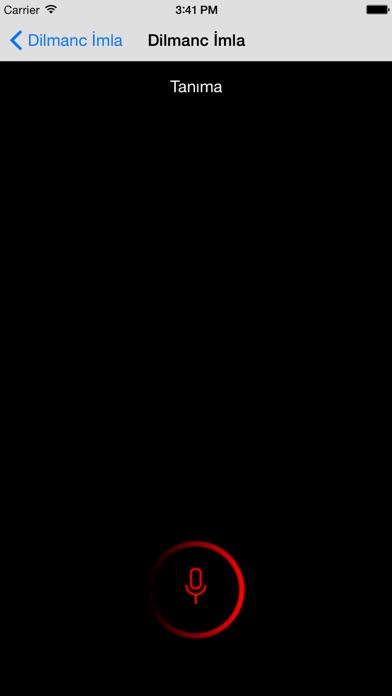
2. Dictation mode activates after successful pairing , tap on screen and speak to your phone, recognized text will be written to PC.
3. Stop typing! Dictate the text to your phone, Dilmanc Imla will automatically convert speech to text and type it to PC.
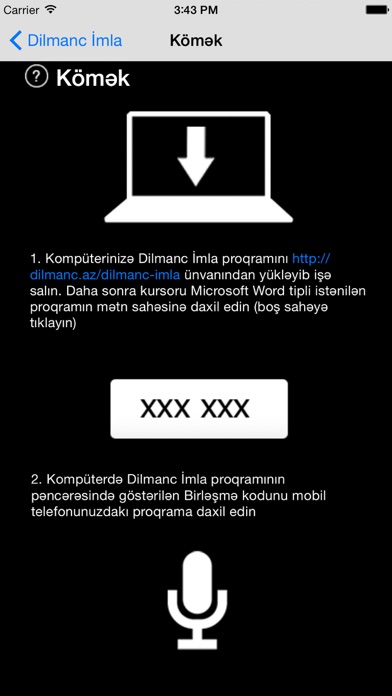
4. Don't forget to place cursor in text editor like Microsoft Word.
5. Dilmanc Imla enables you to use your smartphone as a microphone.
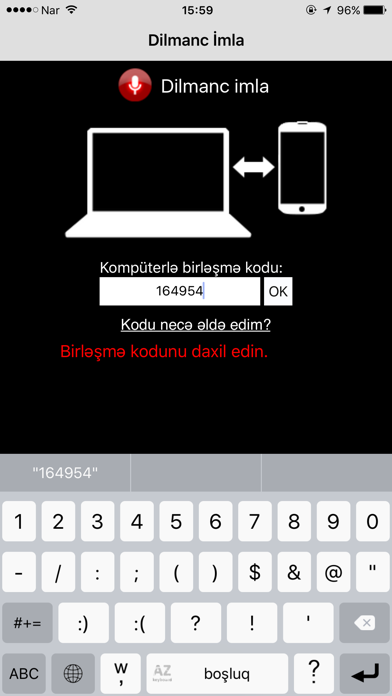
6. Launch application and you will be given pairing ID.
7. Enter pairing ID to mobile app and tap OK.
8. Please download and install client app to your Windows PC from .
9. This app should be used along with Windows PC software.
Если вам нравится Dilmanc İmla, вам понравятся Productivity такие приложения, как; Top of Mind - Daily Quotes; GG AI Протокол; My Units Converter Pro; Spreadly; Color Scanner: ColorScan AI; Custom Video Speed for YouTube; AzanMaster; Real Time Tasks; LinkMyDrop; Photo to PDF Converter Editor; Pastey - Буфер обмена!; Claw AI Chat; Ax.c; 妙语键盘-高情商智能恋爱聊天神器; emoVPN; JPG to PDF - PDF Convertor; Fast & Easy Doc Scanner; Forms; Сканер PDF - Сканирование документов; ProductApp PPG;