1. - Using old batteries without replacing them with new ones may cause the Light Stick to fade, or flash in different colors then go off during the concert.
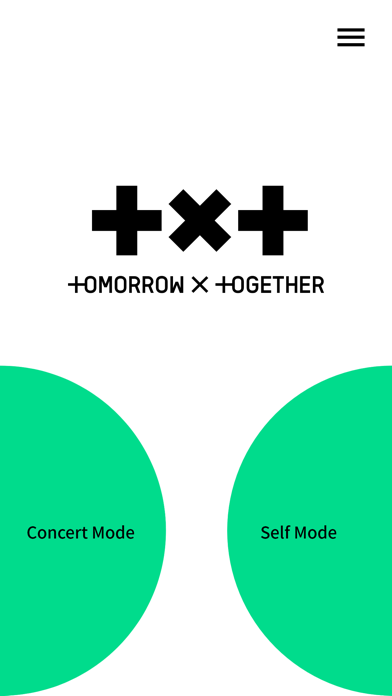
2. - You can proceed with concert pairing by tapping [Concert Mode] in the latest version of the Light Stick app.
3. - The Light Stick will remain paired during the concert even if the batteries are replaced, and the light effect will continue automatically.
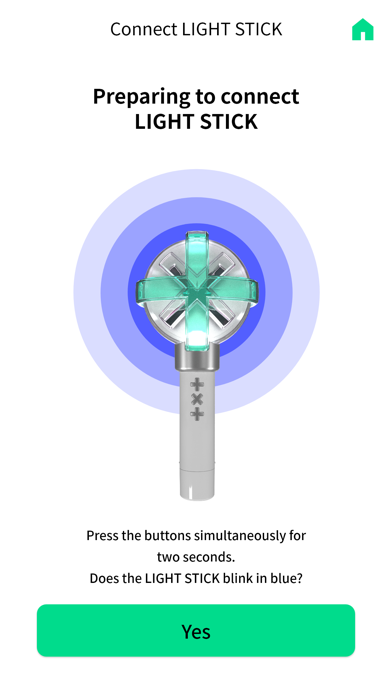
4. Enter your concert ticket information and pair your Light Stick.
5. After pressing the "Self Mode" button on the home screen of the app, connect the smartphone and the Light Stick with Bluetooth.
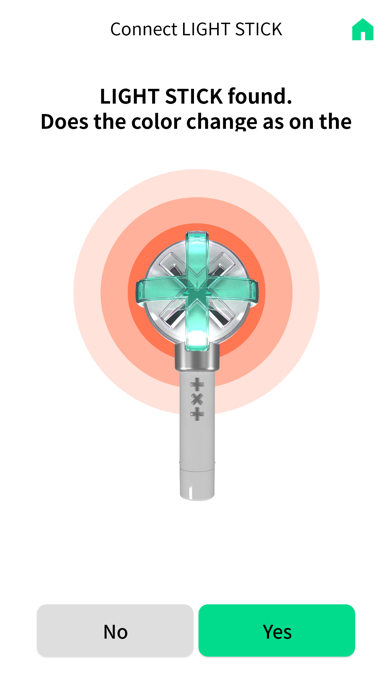
6. Turn on your smartphone’s Bluetooth mode and pair it with the Light Stick.
7. - Replace old batteries with new alkaline batteries before using your Light Stick.
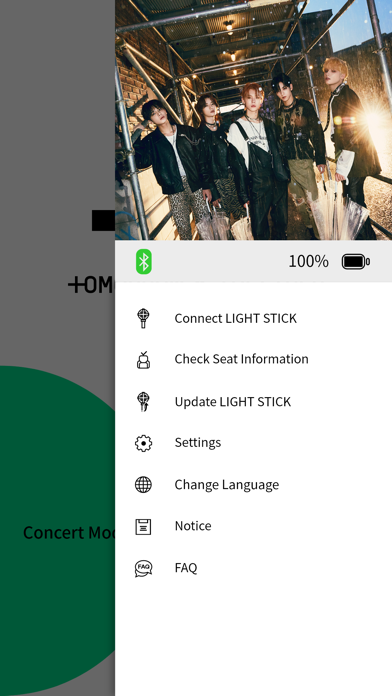
8. - Please keep the Light Stick firmware updated to the latest version.
9. Please check your ticket before pairing your Light Stick.
10. - Bluetooth : Required to connect to the Light Stick.
11. You can change the color, brightness, and blinking effect of your Light Stick from the app.
Если вам нравится TXT Official Light Stick Ver.2, вам понравятся Entertainment такие приложения, как; CapyFun Capybara Stickers; AM 870 The Answer; GG-Game; PORO.GG - 챔피언 분석/공략; Dolphin Memories; The Reverie Channel; WildEarth TV - Nature Safari; The Arts Channel; Classic Sci-fi Movie Channel; True Crime TV Channel; History Hit; Movie & TV Channel; MagellanTV Documentaries; Shelter; RAVE by BUSTER; Documentary Movie Channel; NN+; VHS Cam: Vintage & Art Effects; Mega Millions - Numbers, Trend; Random Number Suite;