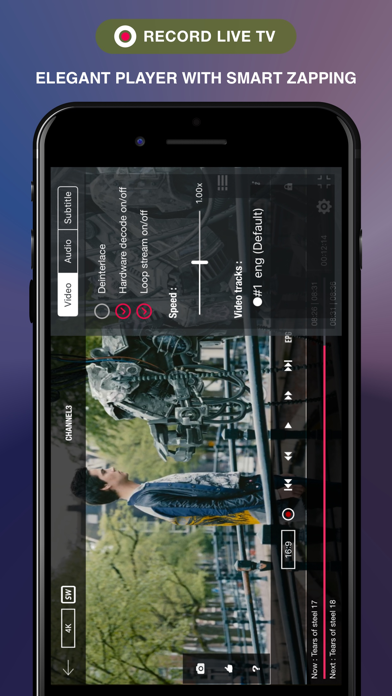
1. With built-in powerful player that supports most formats including RTMP all options.
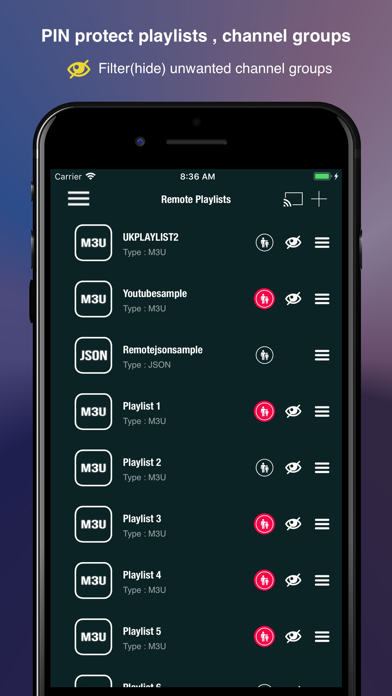
2. If you ever want to play M3U , JSON live streams , if you need player supporting these live(non- live) streams, this IPTV is a solution for these requirements.
3. Our player supports almost all popular formats including RTMP with all options including tokens.
4. GSE SMART IPTV is a complete user defined Advanced IPTV solutions for live and non-live TV/stream.
5. No need to define separate options, just pass whole rtmp url with options , our application will handle the rest.
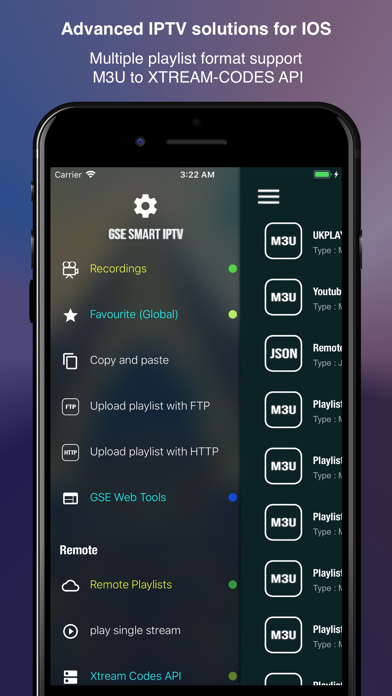
6. Support M3U playlist formats , JSON formats , Database playlist formats etc.
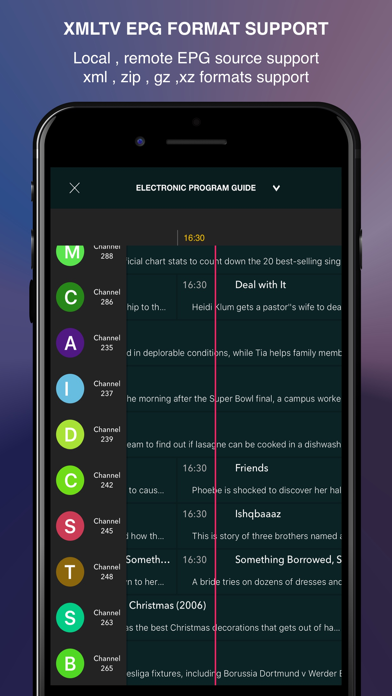
7. EPG xmltv formats can be import from local or also support remote epg source.
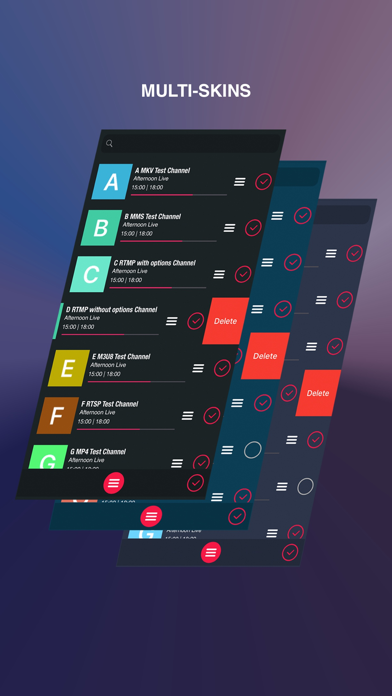
8. - User can now add favourite channels from local, remote, database etc.
9. - GSE SMART IPTV PRO has no affiliation with any third-part provider what so ever.
10. - Web interface includes adding and exporting playlists, favorites, etc.
11. We recommend to read full instructions on menu tab.
Если вам нравится GSE SMART IPTV PRO, вам понравятся Entertainment такие приложения, как; Smart IPTV Player™; GSE Smart IPTV Player - IPTube; King IPTV Pro; Odense ZOO; ZOO København; Dyr i Kunsten - Tegn og lær.; MoviePeek – Watch Previews; IPTV Player Xperience; Streamly IPTV; Triad; VixioTV - IPTV & M3U Player; Nexus Player; Uhuu Produtor; Benham's Disk; Flight Deck FMS; AI Voice Generator & Parody; DVD Movie Tracker; Al!ve - Find Events Near You; Китти и Кот Книжка-раскраска игра: Основные Начало; Radio Gemini One;