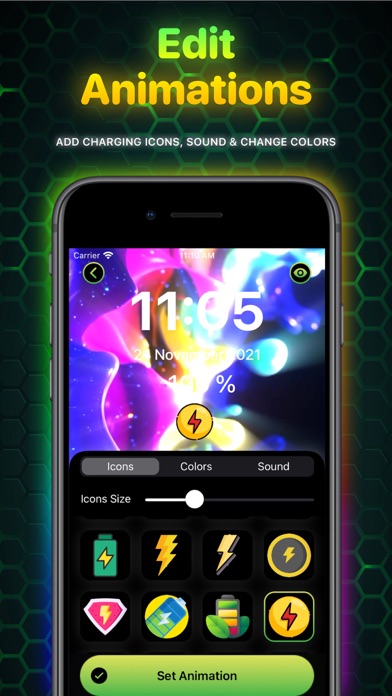
1. – Edit Animations – customize animations as you want by adding icons and charging sounds, changing colors.
2. Please note that animations will work with the Ampere app installed on your device.
3. Make your device charging unique and incredible with Ampere app.
4. Search and tap the “Open App” shortcut that you added earlier in steps 3-7.
5. These animations are for personal automation using the “Shortcuts” app.
6. Choose Animation you like, then tap “Set” button.
7. Search for or scroll down to find “Charger” then tap on it.
8. Select “Is Connected” then select “Run Immediately” and tap “Next”.
9. Tap or search for “Open App” and tap on it.
10. Tap the Add “+” button in the upper-right corner.
11. Tap on the “Automation” tab and then “New Automation”.
Если вам нравится Ampere, вам понравятся Graphics & Design такие приложения, как; AI Image Generator: Tattoo Art; AI Cut - Photo Generate & Edit; AI Picture & Art Generator; Aeon; Tutu-Сменить фон, текст, цвет; ImgSplitter; Learn How to Draw Tutorials; Glow Finger Spinner Art App; Sketch to Photo AI; Sketrax; ImaginAI - AI Art & Video; Плавающий таймер - Секундомер; SnapHome: AI Interior Design; PictoPrompt- AI Art Generator; Draw Things Ai Generation Art; Yumis; AI Logo Maker – Logo Design; 3Dロゴメーカー:立体文字作成 3D Text Lab; Ai Logo Generator : Designer; AI Product Video & Ad - Pixury;