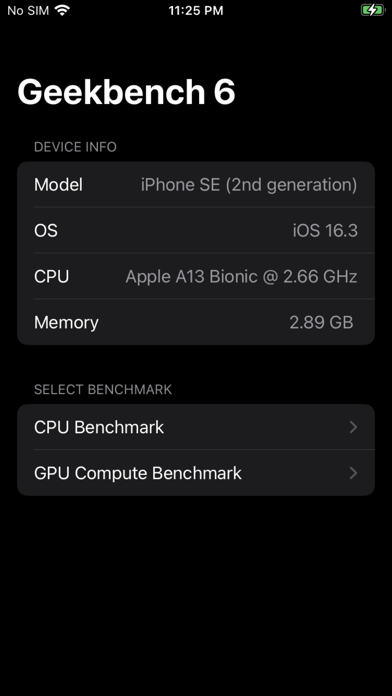
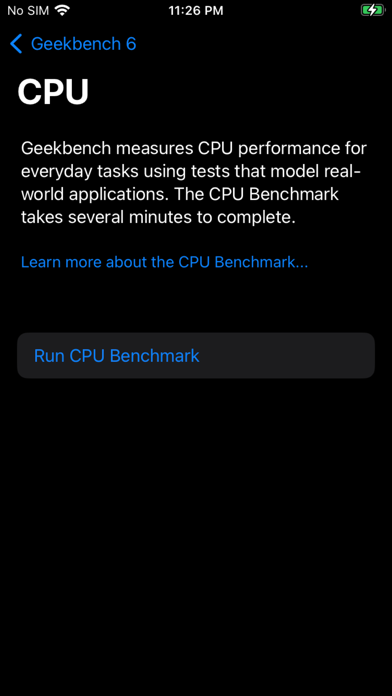
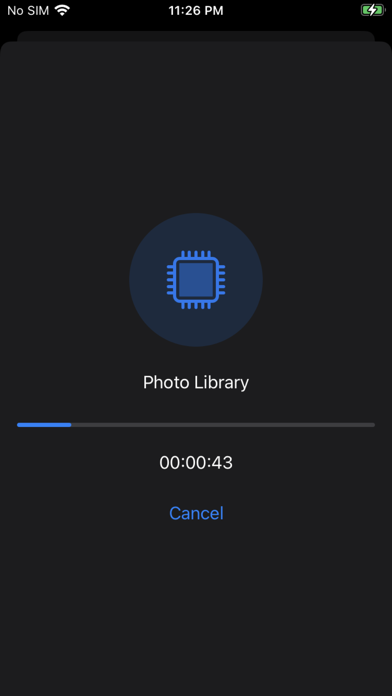
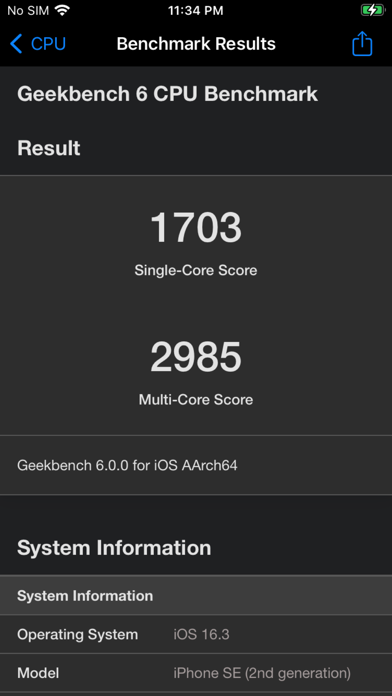
1. In Geekbench 6, new tests measure performance in popular application areas, including Artificial Intelligence, Augmented Reality, and Machine Learning, so you'll know how close your device is to the cutting edge.
2. Instead of just crunching digits of pi for an hour or doing 80 different versions of the same task, Geekbench's tests measure tasks like how quickly a device can load an example website, render a PDF, add filters to photos, and process HDR.
3. Designed from the ground-up for cross-platform comparisons, Geekbench allows you to compare system performance across devices, operating systems, and processor architectures.
4. How will your mobile device perform when push comes to crunch? How will it compare to the newest devices on the market? Find out today with Geekbench 6.
5. Test the performance of your iPhone or iPad and compare your results with Geekbench – a leader in CPU and GPU benchmarking.
6. Your scores are automatically uploaded to Geekbench Browser where you can share & compare your scores against the newest devices on the market.
7. Quickly test how fast your tablets and phones are with Geekbench's trusted CPU and GPU benchmark tests.
8. New to Geekbench 6 is support for Machine Learning and more uniform GPU performance across platforms.
9. Geekbench tests reflect how people use their devices.
10. Geekbench shows benchmark results in an easily-understood set of numbers.
11. Test your processor's single-core and multi-core power for everything from browsing the web to editing photos to playing games, or all of it at once.
Если вам нравится Geekbench 6, вам понравятся Utilities такие приложения, как; Photo Frog Stickers; 石門水情; SIMPLE Mobile My Account; Newroz 4G LTE; 无线优盘; Banana studio: AI Pics Editor; Альфа-Банк:BodyMetrics; Well-Dressed Sloth Stickers; Lumar VPN - самый быстрый; DOM Update; процентов калькулятор; Duckling Wedding Stickers; Neutron NMSS AHD; ARTIGER-MOTOR; Pixualizer; Wengfu Stock Analysis; 中华日历-专业万年历黄历农历工具; EasyVPN; Brainrot Cat Soundboard; Private Browser • Brovacy;