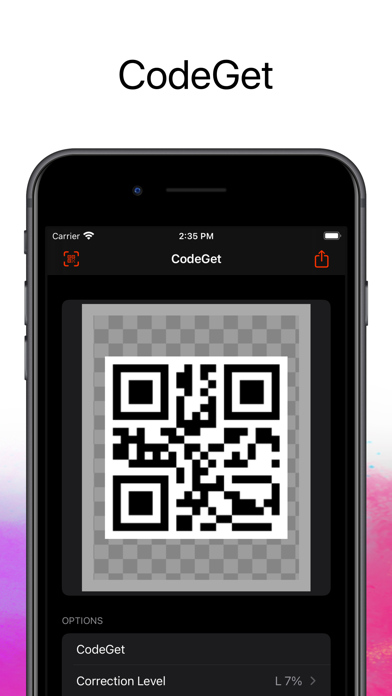
1. You can type the content you want, select the correction level of your QR Code and instant generate it.
2. Choose the correction level: capability to restore data if the code is dirty or damaged.
3. You have 68 frames (Categories: Follow, Scan, Coupon, Event, Feedback) to select from.
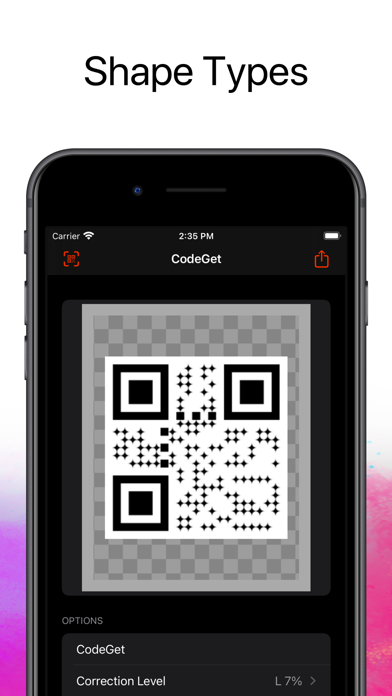
4. Select the Shape Type: Square, circle or diamond.
5. With CodeGet - Qr Code Generator you have an easy way to do this job.
6. Background and Foreground Color: Use to style your QR code (optional).
7. Icon: Select an icon (for exemple: your business logo) to be inserted at the center of your QR Code (optional).
8. Watermark: A image that'll be used as background for your QRCode (optional).
Если вам нравится CodeGet, вам понравятся Photo & Video такие приложения, как; Wedding Photo App: Love Album; Quiet Place;