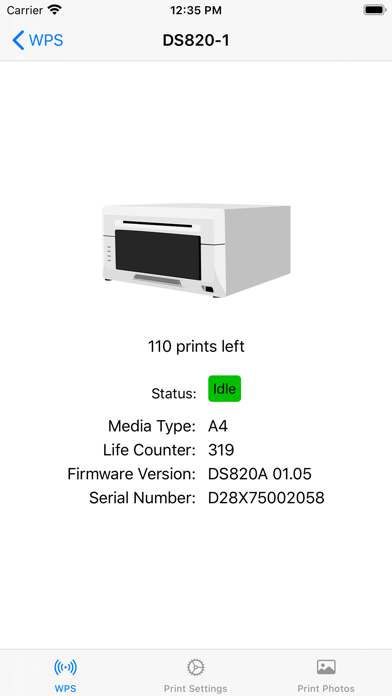
1. Print great-looking photos directly from your iPhone with the same professional quality available in national photo retailers! Using DNP’s professional photo printers and the DNP Wireless Print Server (WPS), you can choose photos from your Camera Roll or use the Camera to take a picture and instantly print it.
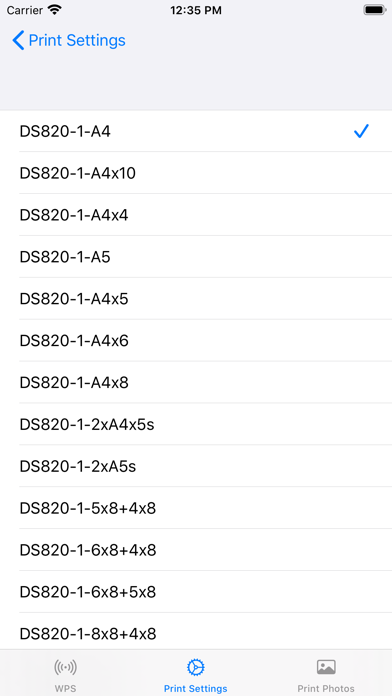
2. When connected to one or two DNP printers, the WPS will create a wireless network access point and will offer multiple photo print sizes to that network (based upon what printers are connected and what size media is loaded and enabled in the printers).
3. With your iPhone connected to the WPS network, the WPS Print app will automatically detect what print sizes are available and allow you to select any of these sizes when you print.
4. WPS Print 3 supports all of the print sizes supported by you DNP Wireless Print Server.
5. WPS Print 3 combines the features of WPS Status and WPS Print into a single app! Once you've installed WPS Print 3, uninstall the other WPS apps.
6. By popular demand, we've streamlined printing so you only need to setup your print settings once.
7. Please refer to your WPS user manual for supported sizes.
8. You can also select any number of copies between 1 to 5.
Если вам нравится WPS Print 3, вам понравятся Photo & Video такие приложения, как; WPS Print 2; Flash7x: G7X Camera;