1. It is fully integrated with the latest technologies such as Dark Mode, a standalone Apple Watch app, Siri, Today Widget, Quick Actions, Action Extension, Context Menus, iCloud sync, Notifications, document scanning, biometric locks, custom haptics, Pencil support, keyboard shortcuts, URL schemes, custom app icons, iMessage stickers, fully accessible, and more.
2. Allegory is available on your iPhone, your iPad, and your Apple Watch, and supports seamless iCloud sync to share notes without lifting a finger.
3. Inspiration can strike anywhere, and that is why Allegory supports custom action extensions that allow creating notes and putting down ideas from other apps.
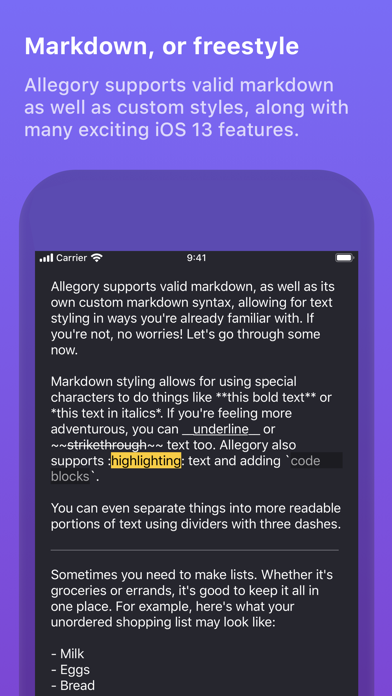
4. Allegory removes the complexity of most markdown editors, presenting a minimal UI that’s welcoming for casual writers and note-takers as well as more attuned authors, making it a great app for you to pick up regardless of your background and skill level.
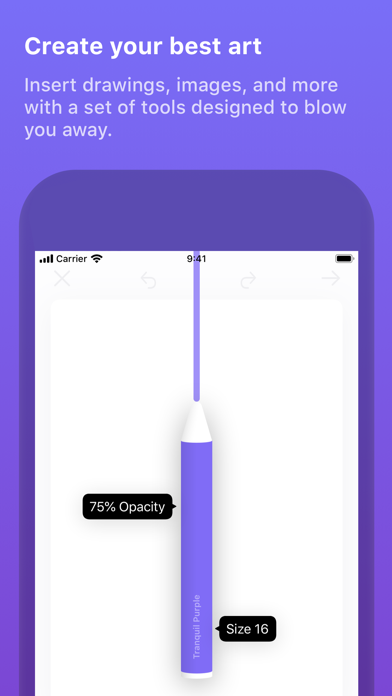
5. Allegory also includes a brilliant hand-crafted drawing area which lets you select from a variety of colors, long-holding on any of the tools brings them into focus with sliders to adjust their opacity and stroke size with gorgeous animations that strike awe.
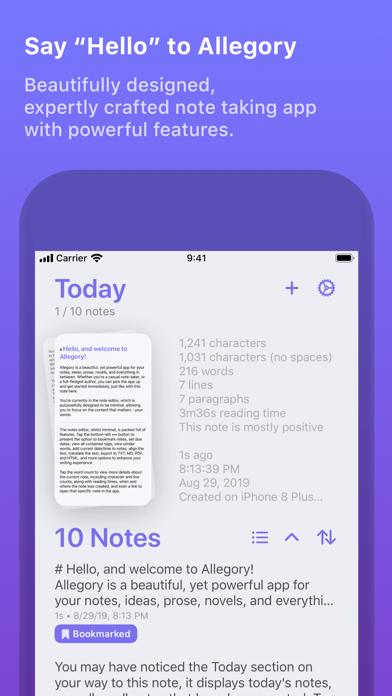
6. Allegory immediately launches to the clean and simple note editor screen, boosting your productivity and reducing friction between wanting to write down what you’ve just thought of, and actually getting it written down.
7. A summary of your current note also provides further context on your writing by displaying character/word/line/paragraph counts, sentiment analysis to portray how positive or negative your writing is, quick links to open the specific note, and more.
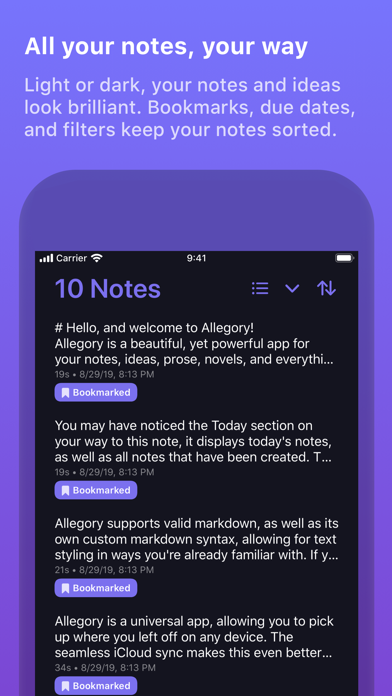
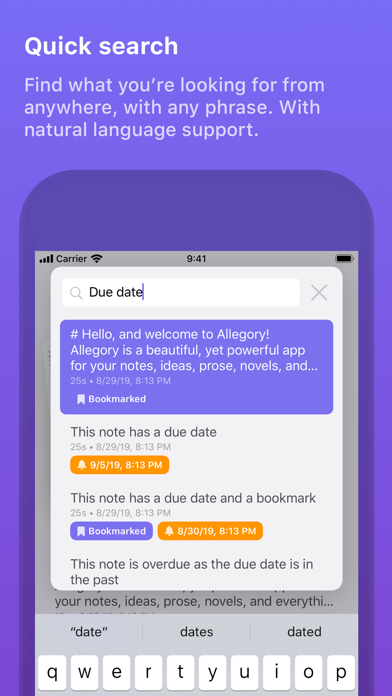
8. You can bookmark and set due dates on any note from anywhere in the app regardless of where you are, which makes performing essential actions entirely seamless, further reducing friction for users.
9. URL schemes and Siri shortcuts allow you to perform useful actions in Allegory from anywhere.
10. Notes can be searched for within the app in ways that make sense to you, by words and dates, or by using language that comes naturally such as ‘today’, ‘yesterday’, and ‘last week’.
11. Seamless iCloud sync adds upon the notion of keeping your notes exactly where they need to be.
Если вам нравится Allegory, вам понравятся Productivity такие приложения, как; Top of Mind - Daily Quotes; GG AI Протокол; My Units Converter Pro; BoxtUp; Spreadly; Color Scanner: ColorScan AI; ZGestión Cloud; Custom Video Speed for YouTube; AzanMaster; AI Signature Maker ° Generator; Amano Pro; f3 vpn 13; Astro VPN - быстрый сетевой п; Real Time Tasks; quicklook; VPN - Super Secure Lite Proxy; LinkMyDrop; Author; Photo to PDF Converter Editor; Pastey - Буфер обмена!;