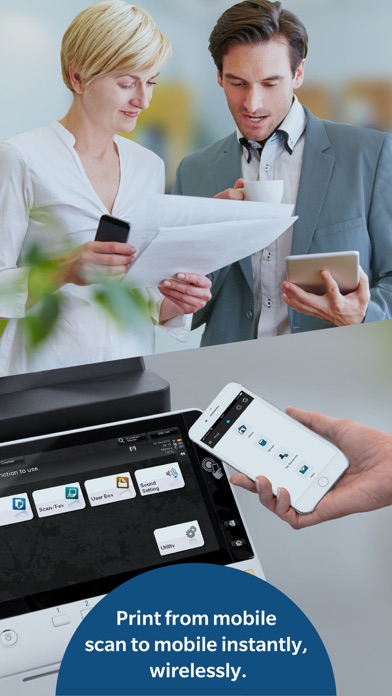
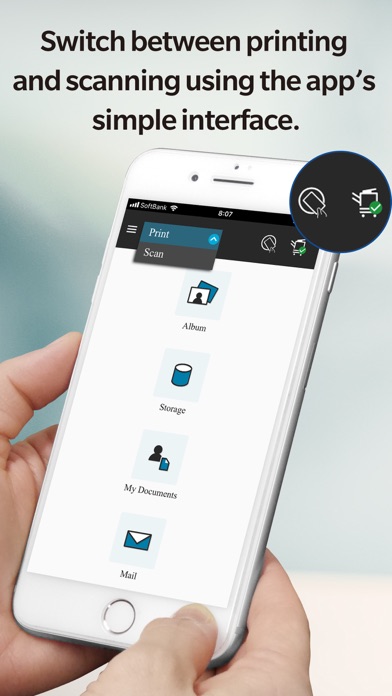
1. Konica Minolta Mobile Print is an app that allows you to connect your iOS device to a Konica Minolta MFP; the app integrates with the OS to enable trouble-free printing and importing scanned data.
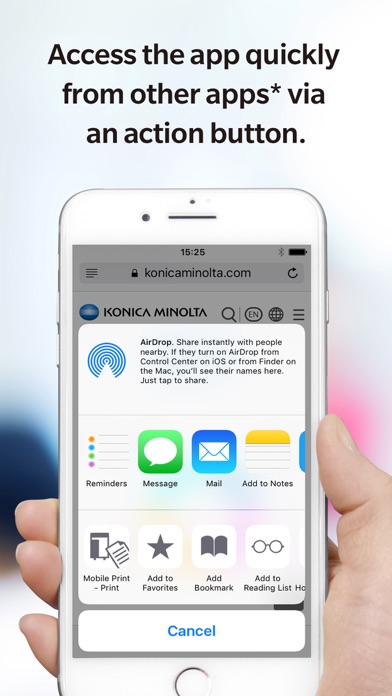
2. The OS integration function (Action button function) enables you to print directly from online storage, the browser and camera app on your mobile device.
3. Prints emails and email attachments received when your email address is set up in the Konica Minolta Mobile Print app.
4. Opens any file stored in an integrated app from the Storage function and prints it via a connected MFP.
5. Supports Authentication and Secure Print to provide you with a more Secure printing environment.
6. Prints images you have selected in the Photo Album function of the app via a connected MFP.
7. It is also available for printing data with My Documents.
8. Please refer to the following page for supported printing devices.
9. It is also available for saving data with My Documents.
10. Please refer to Help for details on the features available.
11. Please refer to the following page for additional operating requirements.
Если вам нравится Konica Minolta, вам понравятся Productivity такие приложения, как; GG AI Протокол; Spreadly; Color Scanner: ColorScan AI; Custom Video Speed for YouTube; LinkMyDrop; Photo to PDF Converter Editor; Pastey - Буфер обмена!; Claw AI Chat; 妙语键盘-高情商智能恋爱聊天神器; emoVPN; JPG to PDF - PDF Convertor; Fast & Easy Doc Scanner; Forms; Сканер PDF - Сканирование документов; ProductApp PPG; Создатель диаграмм и графиков; Chat AI: Personal AI Assistant; Essayist: Academic Writing App; Speechely - Text to Speech; eGovPH;