1. Tint tool is good to change colors of darker parts of the image.
2. Recolor tool is good to change colors of lighter parts of the image.
3. You can remove, restore original or entirely change colors on parts of the image.
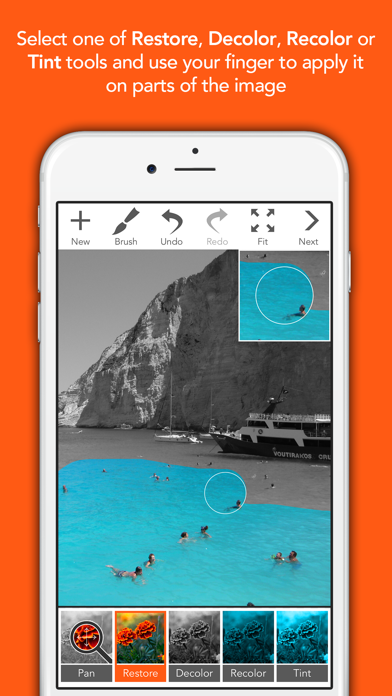
4. You can restore or entirely change colors on desired parts of the image by stroking with your finger over them.
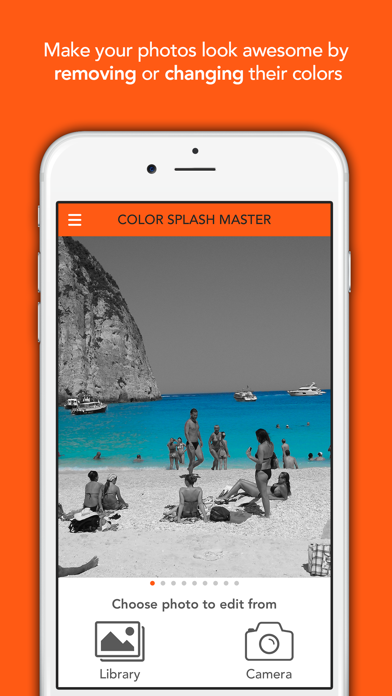
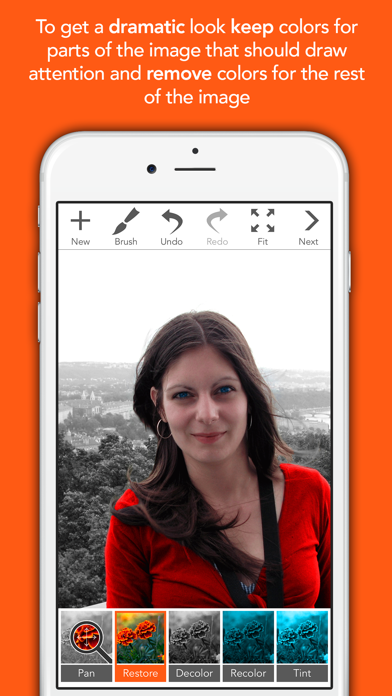
5. Using our app you can enhance your photos to draw viewers attention to specific areas of the image by keeping their colors and removing colors from the rest of the image.
6. Recolor and Tint tools change image colors.
7. Restore tool restores original image colors.
8. Decolor tool removes colors from the image by converting them to grayscale.
9. The main difference between them is that the Tint tool preserves image luminance.
10. After you choose an image from the library or take a new one using the camera, the image will be converted to a grayscale image.
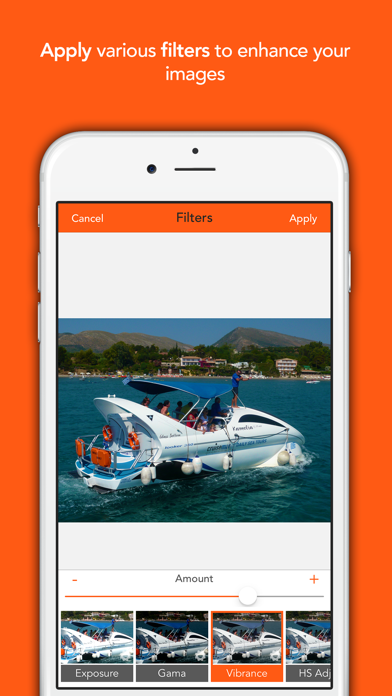
11. Lite version has only few free filters, contains ads and renders watermark over final image.
Если вам нравится Color Splash Master Lite, вам понравятся Photo & Video такие приложения, как; PrePost; Video To Photo - Frame Capture; Photo Splat Free; DualCam – Front & Back Camera; Flix Player; Videwatch; Video Player All Format・VePlay; Super Video Player; Video to GIF – GIF Maker; taption encoder; Video Compress - Easily Shrink; SmartShrink: Video Compressor; Video Compressor: Resize Crop; Hevcly: HEVC to MP4; Compress Videos & Resize Vids; HEIC to JPG & Collage - Framio; Video Squeeze; Squeeze - Сжать видео; Shrynk Compress & Convert; Squish - Сжать видео;